 Every Last Grain
Build a short route before you chase upgrades
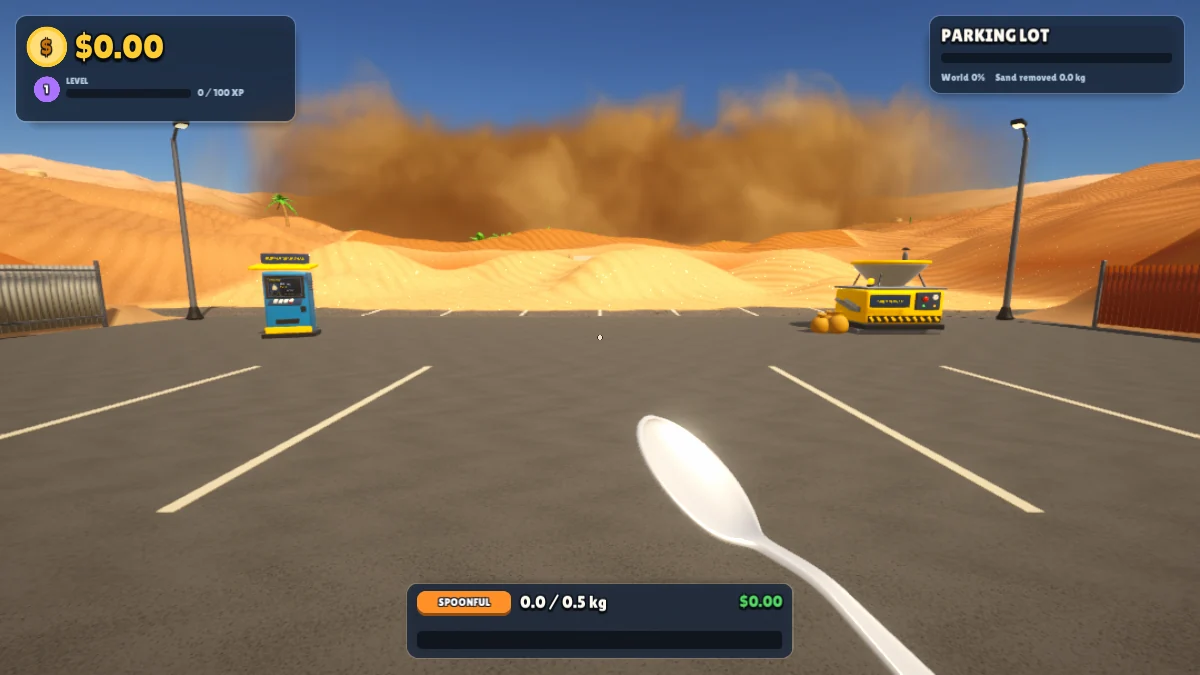
The early loop in Every Last Grain works best when you can repeat it without getting turned around. Begin beside the open lot, follow the same row back to the station, and notice which parts of the route take the most effort. When the spoon fills, head back and follow the station's prompts. Try a second strip of sand after you have a feel for how long that first round trip takes.
The equipment in Every Last Grain gives the job a sense of progression. A faster tool suits a broad, easy-to-reach slope, while a route through the same nearby patch helps when you are still learning to aim. Watch where the sand recedes and leave yourself a clear return to the station. You can use the lot markings as a simple guide when the view is mostly dunes.
Leave room for the buried finds
The Lot Edge counter in Every Last Grain shows fourteen finds in the browser demo. Keep an eye out when a new layer becomes visible. If you are here to collect things, alternate between working an area thoroughly and trying a nearby patch. That gives you a reason to change routes even once the first few trips feel automatic.
You can approach Every Last Grain as a quiet clearing session or set a goal for yourself before opening the player. Try finishing one patch, looking for one more find, or comparing how two routes feel with the same tool. The early area makes those goals easy to check because the landscape visibly changes as you work.
What the browser demo covers
The Every Last Grain demo centers on the parking lot and the Lot Edge. The wider desert is part of the game's setting, and the developer has described other locations for the full game. This browser edition gives you the digging, discovery, and progression loop of that starting area. There is enough room here to learn the HUD and decide which part of the loop you enjoy.
On a smaller or slower display, start Every Last Grain in the normal player before you try full screen. If you can see the crosshair and read the indicators, give the first dig a try. When the pointer has moved outside the game, click back into the canvas before attempting to turn. The pause menu is the easiest place to check input and display settings.