 Every Last Grain
 Finds Guide
Choose a guide for the Lot Edge demo. Learn the first digging loop, look up all 14 discoveries, or check which controls work on your device.
How depth and distance affect finds
The developer says higher-value finds are placed farther from camp and Grandma’s Urn was moved much deeper. Use that rule to plan your route. Start with short, shallow trips, build up your tool and capacity, then search the largest outer mounds.
- Near the depositShallow sand
Sweep the first low piles for everyday items while your trips are short.
- Across the middle dunesSuccessive layers
Cut wide shelves into the slope. Follow pings and marks down into the next layer.
- Around the outer edgeDeep pockets
Use a stronger tool to clear the largest mounds and the thin ridges left along the boundary.
All 14 Lot Edge finds and how to get them
Each row shows the original in-game item artwork. Old Sock and Lone Flip-Flop each have two checkboxes. The search areas are practical starting points rather than fixed coordinates. Values are base payout references before Appraisal. The list includes the legendary discovery.
Your checklist is saved in this browser and is separate from your game save.
-
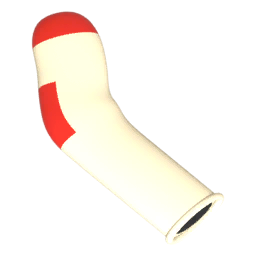
Old Sock
Shallow sand near the depositScoop a broad strip where the sand meets the parking lot. If you only have one sock, check the thin sand beside your return path for a second.
-
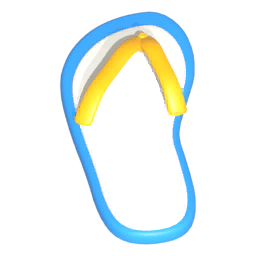
Lone Flip-Flop
Shallow sand along the pavementWiden your starting strip along the pavement edge. After collecting the first, clear an adjoining strip and check the Collection for the second.
-

Sunscreen
Starting dunesShave away the top layer of a low mound near camp. Sweep the edges of the exposed patch before making it deeper.
-
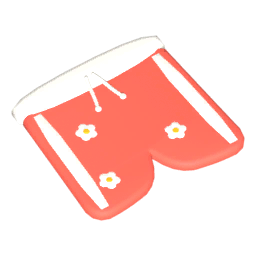
Swim Trunks
Low dune facesCut into the low face of a starter pile rather than walking along the surface looking for cloth. A game update stopped the trunks from poking out through the sand.
-
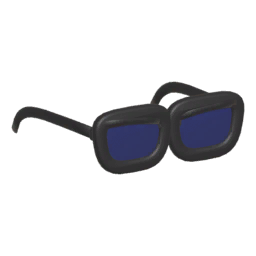
Sunglasses
Camp-side stripsRecheck sand between two early passes. Clear the narrow ridge and its sides if a find signal remains.
-
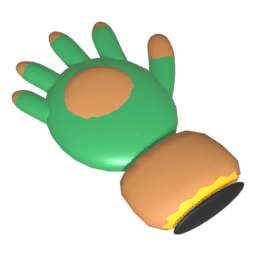
Gardening Glove
Edges of the starting cutsExtend a shallow starter cut into the next mound and lower it a little at a time. If Finder’s Luck marks a slope, clear the sand immediately below the mark.
-
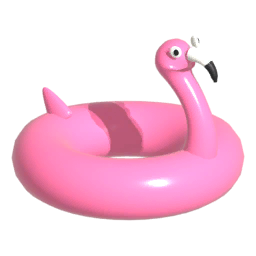
Inflatable Flamingo
Middle dune slopesUse a wider tool once it is available. Shave a horizontal shelf across the slope, then widen the cut when the float starts to show.
-
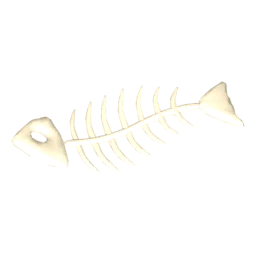
Fish Skeleton
Below an earlier cutCheck the next layer under a strip you already cleared. If a signal persists, advance from the side of the cut and take another wide pass.
-

Human Skull
Larger dunes beyond the starter areaFollow a ring or ping into the deeper part of a mound. Lower the patch in broad passes so you can reach the skull when it becomes visible.
-
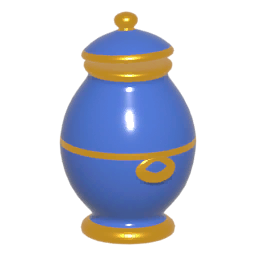
Grandma's Urn
Deep sand farther from campThe developer moved the urn much deeper. Keep lowering the marked patch after the surface clears, then approach from a side the sand no longer blocks.
-
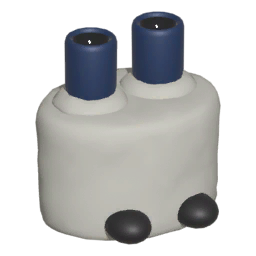
Concrete Boots
Deep outer ridgesFollow a rare signal around the perimeter. Clear the ridge beside it and widen the last deep cut from both sides. The boots have the highest listed base payout.
-

The Last Guy
Deep under a large outer pileSurvey the outside of the Lot Edge after upgrading your tool and capacity. Follow the signal, peel away the marked mound in layers, and check the Collection for the legendary entry.
How to dig and collect a find
- Get within reach. Move with W, A, S, and D. Aim at the sand with the mouse. Hold the left mouse button or E to dig. If your load stays empty, step closer and aim at the face of the pile.
- Expose a broad patch. Work along the surface and take off the next layer. A narrow hole may leave an object covered just beside it. Widen the shallow cut first so you have room to step down and a clear way back.
- Follow the pickup prompt. When an object is exposed, move close enough to collect it. Check the Lot Edge counter and open the Journal with J to review the Collection.
- Return to the Sand Deposit. Walk up to the station and follow its E prompt. The deposit pays for your sand and finds. Use the Supply Terminal to improve your next trip.
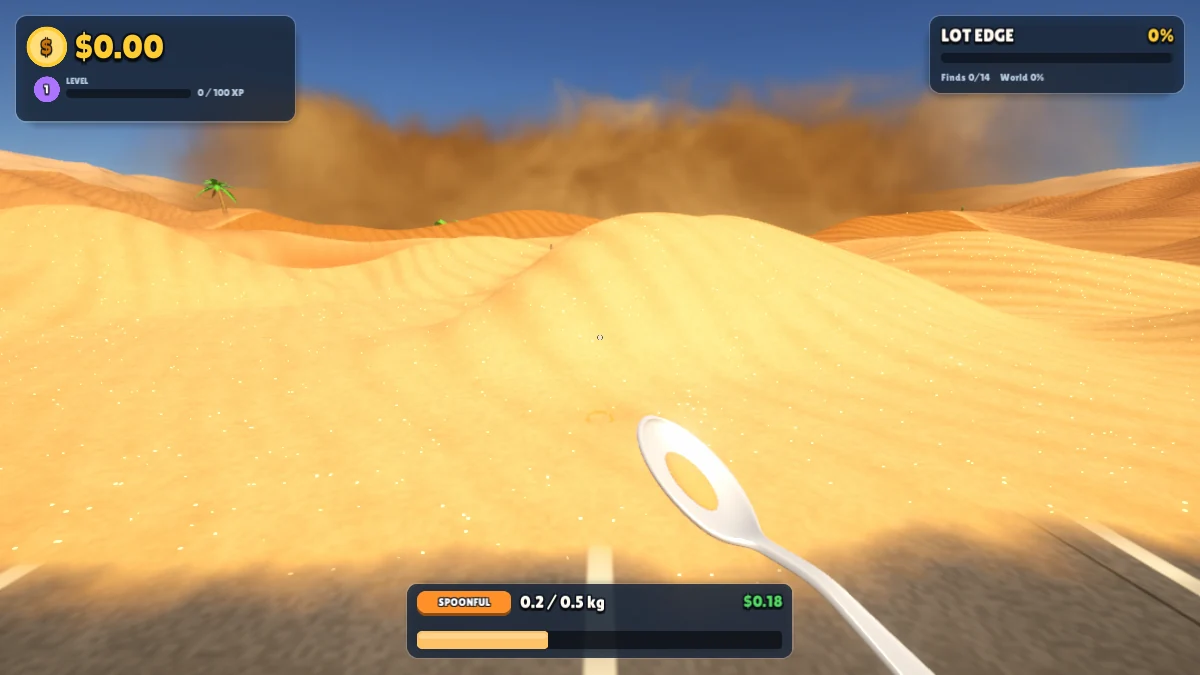
A route from the first scoop to the last find
Start where the walk back is short
Work one strip where the dune meets the parking lot. The first spoon has little capacity, so clearing close to the deposit gives you more digging time between trips. Buy capacity when trips are slowing you down. If the bag takes too long to fill, prioritize a better digging tool. Use cash from the easy ground to make the deep search easier.
Take the middle of the dune in layers
Once the first route is comfortable, choose an adjoining strip and remove sand from the face in shallow passes. Keep a walkable ramp back to the lot. Treasure Sense helps you hear nearby finds, and Finder’s Luck can mark a search area on the sand. Look in the marked patch and on the slope below it. Check the skill web in the Journal for which abilities your build has unlocked.
Finish with an outer sweep
Higher-value finds tend to be farther from the starting area. Follow the outside of the Lot Edge and dig into the deeper piles as your tool allows. Pick one direction around the perimeter so you know which patches are done. Sweep the sides of ramps, the corners, and thin ridges left between larger cuts.
If you are still missing a find, compare the area counter with the Collection before calling a sandstorm. Check any remaining marks with a wider tool. Deep Scanner and Master Explorer are useful if available in the skill web. A new round changes the sand you have to clear, so finish searching your existing cuts before starting over.
What to check when you are missing a find
At 12/14 or 13/14, start with the Journal. If it shows a missing repeat item, retrace the ramp and the edges of your early cuts. For a missing rare or legendary find, return to the outer dunes and work into pockets below the visible surface. Check the ground just below a detector ring on a steep slope before moving on.
Playing and reading on mobile
You can read this guide and use its checklist on a phone. The hosted 3D game is designed for keyboard and mouse. Touch may open the game and move the camera, but the hosted build shows no on-screen movement controls. Use a desktop or laptop to move around, dig and make trips to the Sand Deposit.
Press P in the game to review the controls or change sound settings. If the camera stops responding, click inside the game to restore focus before moving the mouse again.
Open the demo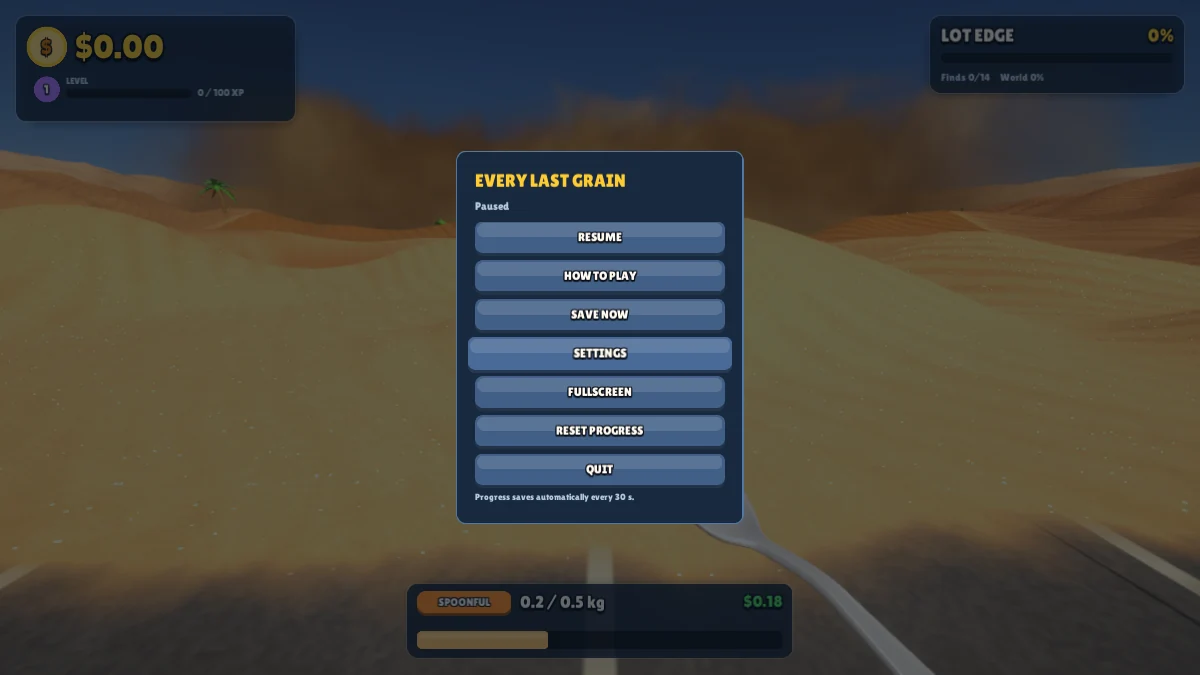
Finds and digging FAQ
Why does the checklist have 12 names for 14 objects?
Old Sock and Lone Flip-Flop each appear twice in the Lot Edge. Use both checkboxes for each of those types.
How do I sell a buried find?
Collect it first, then use the Sand Deposit. Look for the station interaction prompt and use E when you are within reach.
What should I check at 12 out of 14?
Check the Journal, retrace the ramp you used to return to the deposit, then sweep the perimeter and the thin edges of deeper cuts. The count gives you a clearer signal than the overall sand weight does.
Which find pays the most?
Concrete Boots have the highest listed base payout at $3,500. The Last Guy is the legendary find and has a base value of $3,000.
Is Treasure Sense free at 25%?
The developer added that unlock in Update 19. If the hosted build shows a different unlock, follow the skill web you see in the Journal.
Does this guide cover the full desert?
This checklist covers the Lot Edge browser demo. Upcoming regions and the relics featured in other editions have their own content.
Does the guide checklist update my game?
The checkboxes only record your marks in this browser. Use the in-game Collection and area counter to verify your actual progress.